


THE COUNTDOWN IS ON!
Applications for the 2027–28 school year open November 6, 2026.
How to Enroll at KIPP Nashville
Finding the right school is the first step. Enrolling shouldn’t feel complicated.
KIPP Nashville makes the application and enrollment process as straightforward as possible for families. Our tuition-free public charter schools serve students in grades K–12 across East, North, and South Nashville. KIPP Nashville is open to Davidson County residents, with no academic admissions requirements and no cost to apply or attend.
Follow the steps below to apply for the 2026–27 school year and prepare your student to join the KIPP Nashville community.
Enrollment in 5 Steps
The KIPP Nashville enrollment process includes five main stages:
- Apply
- Receive lottery results
- Accept your student’s seat
- Complete registration
- Participate in orientation
Here’s what families can expect at each stage.
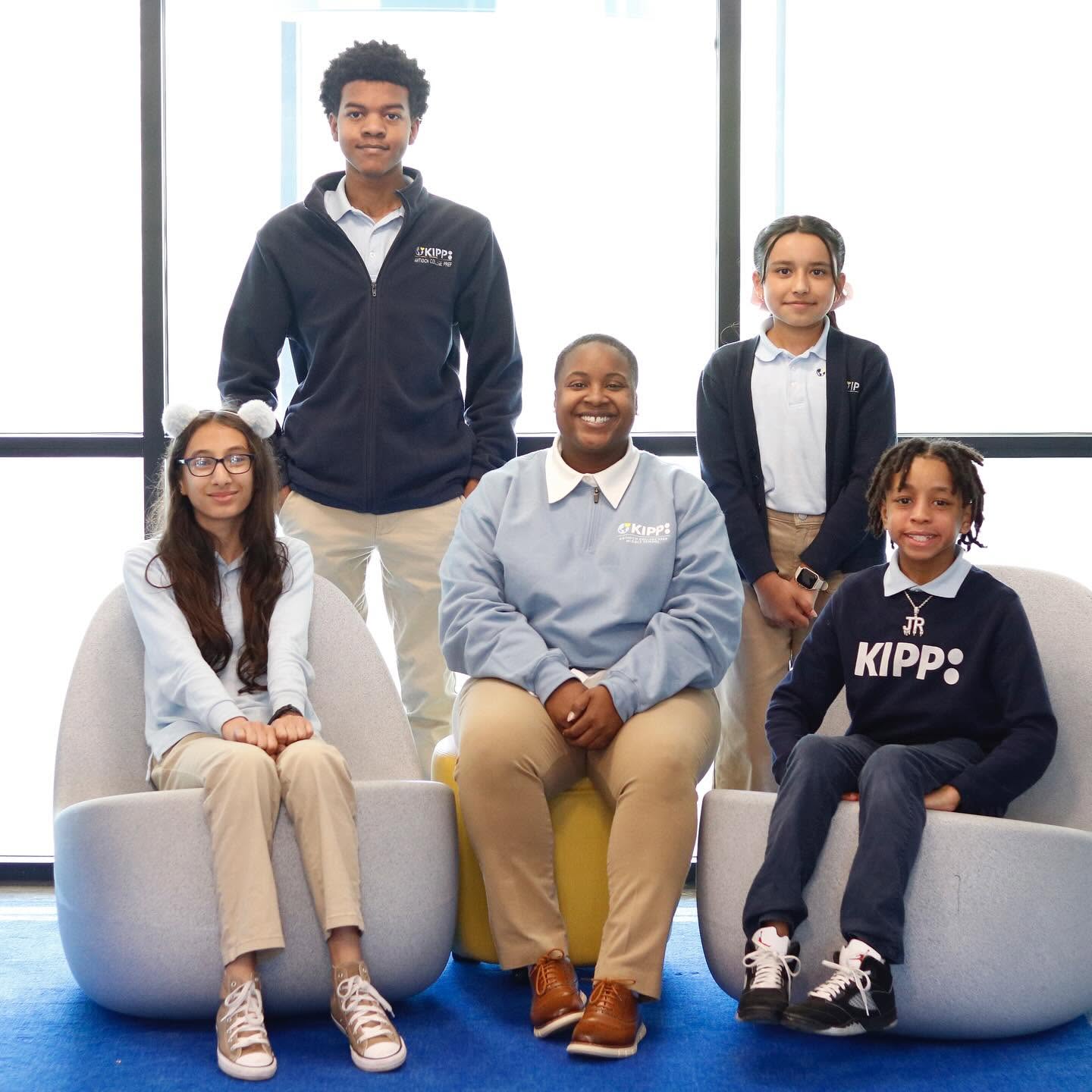
Step 1: Find Your KIPP Nashville School
Start by finding the school that serves your student’s grade level.
KIPP Nashville has 10 schools across East, North, and South Nashville, including elementary, middle, and high school options.
Elementary Schools
KIPP Kirkpatrick Elementary School
Grades: K–4
Location: East Nashville
1000 Sevier Street, Nashville, TN 37206
KIPP Nashville College Prep Elementary School
Grades: K–4
Location: North Nashville
3410 Knight Drive, Nashville, TN 37207
KIPP Antioch College Prep Elementary School
Grades: K–4
Location: South Nashville
3655 Murfreesboro Pike, Antioch, TN 37013
KIPP Antioch Global Elementary School
Grades: K–3 for the 2026–27 school year
Location: South Nashville
917 Bell Road, Antioch, TN 37013
Middle Schools
KIPP Academy Nashville
Grades: 5–8
Location: East Nashville
123 Douglas Avenue, Nashville, TN 37207
KIPP Nashville College Prep Middle School
Grades: 5–8
Location: North Nashville
3410 Knight Drive, Nashville, TN 37207
KIPP Antioch College Prep Middle School
Grades: 5–8
Location: South Nashville
3661 Murfreesboro Pike, Antioch, TN 37013
KIPP Antioch Global Middle School
Grades: 5–8
Location: South Nashville
917 Bell Road, Antioch, TN 37013
Not sure which campus is right for your family? Explore individual school pages or schedule a tour before applying.

Step 2: Complete Your Application
Once you’ve chosen a school, complete the KIPP Nashville application online.
The application takes only a few minutes. KIPP Nashville uses its own online enrollment system, so families should apply directly through KIPP Nashville.
If you don’t already have an enrollment account, you’ll need to create one. The registration system asks for basic guardian information, including your name and email address, before you create a password.
After completing your application, check your email for confirmation and next steps. If you don’t receive a confirmation email, make sure the application was successfully submitted or contact the Enrollment Team for help.
Applying for Kindergarten or Joining MNPS for the First Time?
Families enrolling a new kindergarten student or a student who is new to Metro Nashville Public Schools need to obtain a nine-digit MNPS student ID number beginning with 190.
Families can receive this number from an MNPS enrollment center by providing:
- The student’s birth certificate
- Parent or guardian proof of residency
- A copy of the parent or guardian’s driver’s license
For kindergarten, students generally must be 5 years old on or before August 15. If your student turns 5 between August 16 and September 30, you may request that the school administer a Brigance K-Readiness Assessment.
Do Current KIPP Nashville Students Need to Reapply?
Students returning to the same KIPP Nashville school do not need to submit a new application.
Students do need to apply if they are switching schools. That includes students moving from a KIPP elementary school to a KIPP middle school or from a KIPP middle school to a KIPP high school.
If your student is approaching one of these transitions, explore the schools serving their next grade level and complete the application process for the school you’re interested in.

Step 3: Receive Your Lottery Results
Submitting an application does not automatically mean a student has been enrolled.
When applications exceed the number of available seats, KIPP Nashville conducts a random lottery selection process. Families are then notified whether their student has received a seat or has been placed on the waitlist.
Families can view their results through the enrollment portal. KIPP Nashville schools also contact families regarding their enrollment status.
Make sure your phone number and email address remain current so the school can reach you with important updates.
What if My Student Is Waitlisted?
A waitlist placement doesn’t necessarily mean the enrollment process is over.
When seats become available, students may be offered placement from the waitlist. KIPP Nashville notes that schools can continue accepting students from waitlists throughout the summer and into the first few weeks of the school year.
Families who apply after the application deadline are automatically placed on the waiting list.
If your student is waitlisted, KIPP Nashville recommends maintaining your place and watching for updates about seat availability.

Step 4: Accept Your Student's Seat
Congratulations—your student received an offer!
The next step is to officially accept the seat through the KIPP Nashville enrollment portal. Families must complete this step before moving on to registration.
Follow the instructions provided with your student’s offer and complete the acceptance process within the required timeframe.
Step 5: Register Your Student
Accepting a seat and registering your student are two different steps.
After accepting your offer, you’ll need to complete your student’s registration and provide the required documentation.
For students in grades K–12, families should be prepared to provide:
- Completed student registration packet
- Record of birth, such as a birth certificate or passport
- Immunization or vaccination record on a Tennessee Certificate of Immunization
- Parent or guardian photo ID
- Proof of residency
- Recent transcript or report card, if available
- School physical if the student is new to Davidson County
If the address on the parent or guardian’s ID doesn’t match the student’s residence, KIPP Nashville asks families to provide two proofs of residency.
Don’t have proof of address in your name or legal guardianship documentation? Contact the Enrollment Team at enroll@kippnashville.org for assistance.
Step 6: Attend Orientation
Once registration is complete, your family can begin preparing for the first day of school.
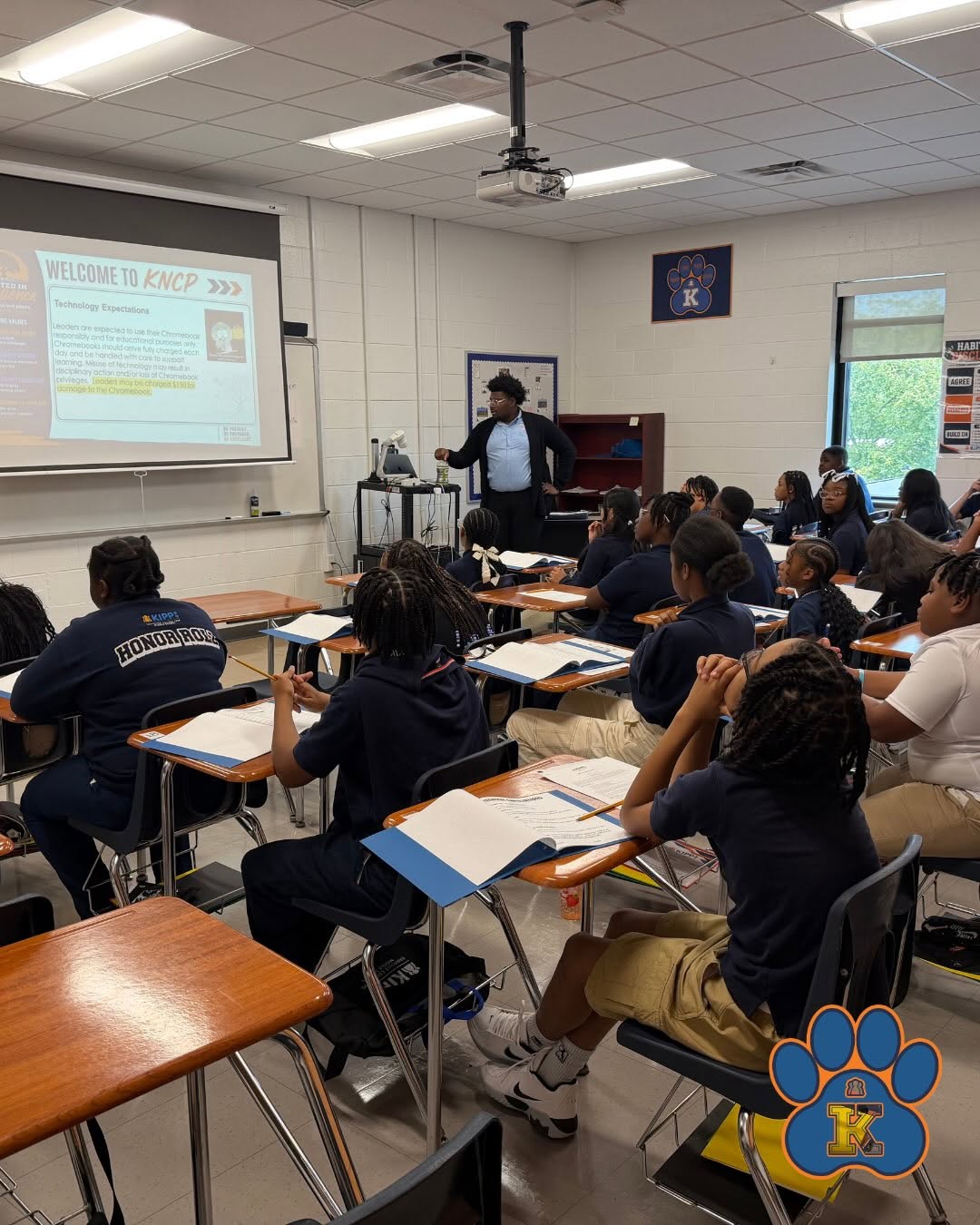
Each KIPP Nashville school holds an orientation during the summer and shares information families need for the upcoming school year.
Orientation is an opportunity to become more familiar with your student’s school and learn about expectations, schedules, transportation, programs, and other details that can help your family prepare.
KIPP Nashville also encourages students to attend the first day of school so they can begin the year with their classmates and establish a strong start.
Transportation
KIPP Nashville provides transportation at all campuses for eligible students who live within designated transportation zones.
Transportation availability depends on your student’s school and home location. Contact the individual campus for the most current information about eligibility, routes, and transportation logistics.
Before- and Aftercare
KIPP Nashville elementary and middle schools offer before- and aftercare programs coordinated through external providers.
Information about providers, registration, and program logistics is shared with families during orientation before the school year begins.
If before- or aftercare will be an important part of your family’s schedule, ask the school about its current options when you visit.
Who Can Apply to KIPP Nashville?
KIPP Nashville is open to all students who are residents of Davidson County and serves grades K–12.
There are:
- No academic admissions requirements
- No application fees
- No tuition costs
When demand exceeds available seats, admission is determined through the enrollment and lottery process rather than academic ability or performance.
KIPP Nashville also serves students with a range of educational needs, including students receiving special education services, gifted students, and English Language Learners. Families with questions about specific services are encouraged to contact the school they’re considering.
Want to Visit Before Applying?
Choosing a school is about more than completing an application.
A campus tour gives you and your student an opportunity to experience the school environment, learn more about academics and student life, and ask questions about enrollment.
KIPP Nashville currently offers tours for campuses across East, North, and South Nashville.
During your visit, consider asking:
- What does a typical day look like?
- What will my student learn at this grade level?
- What student support is available?
- Which arts, athletics, clubs, and activities are offered?
- Is transportation available from my area?
- What before- or aftercare options are available?
- What should I know before submitting my application?
- What happens after my student receives a seat?
Need Help With Your Application?
You don’t have to navigate enrollment on your own.
KIPP Nashville provides step-by-step enrollment resources, including video tutorials covering how to:
- Create an account
- Complete an application
- View lottery results
- Complete enrollment
Enrollment tutorials are available in both English and Spanish.
If you still have questions or need help completing the process, contact the KIPP Nashville Enrollment Team at enroll@kippnashville.org.

Ready to Join KIPP Nashville?
Your student’s next chapter can start with a few simple steps.
Find the KIPP Nashville school serving your student’s grade, complete the online application, watch for your enrollment results, and follow the steps to accept and register if your student receives a seat.
With tuition-free K–12 schools across East, North, and South Nashville, families can find options for students at every stage of their educational journey.